Intro to Services
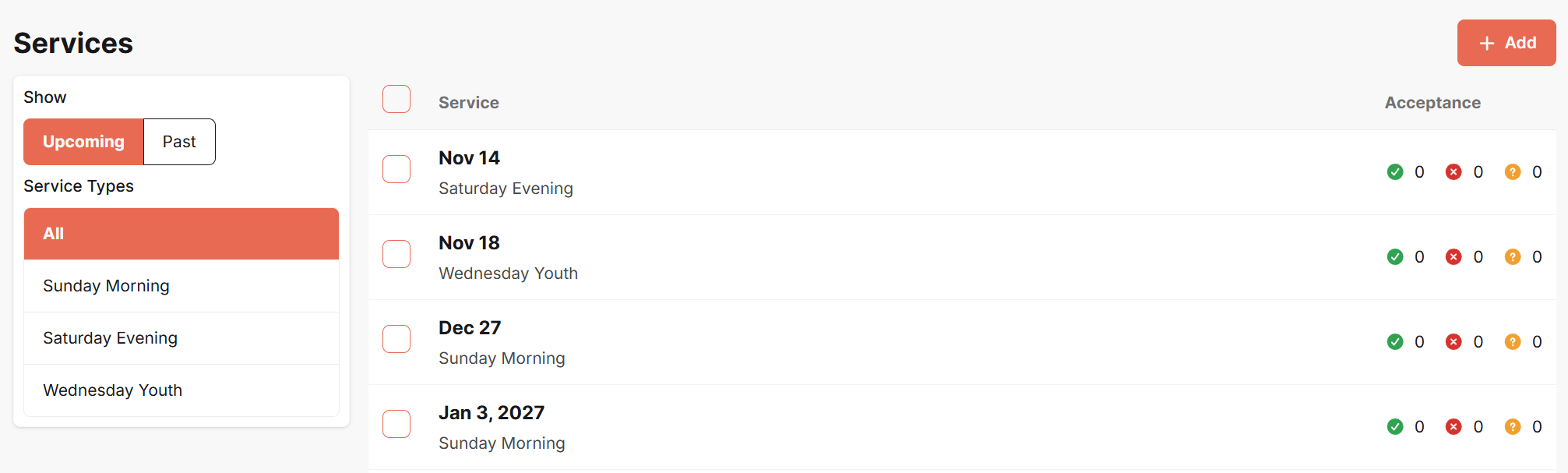
On the Services page of WorshipTools Planning, you can create, edit, and view all your WorshipTools services, including services created in the Presenter and Charts apps.
To create a new service, click the + Add button located in the upper right corner. To modify an existing service, select it from the list.
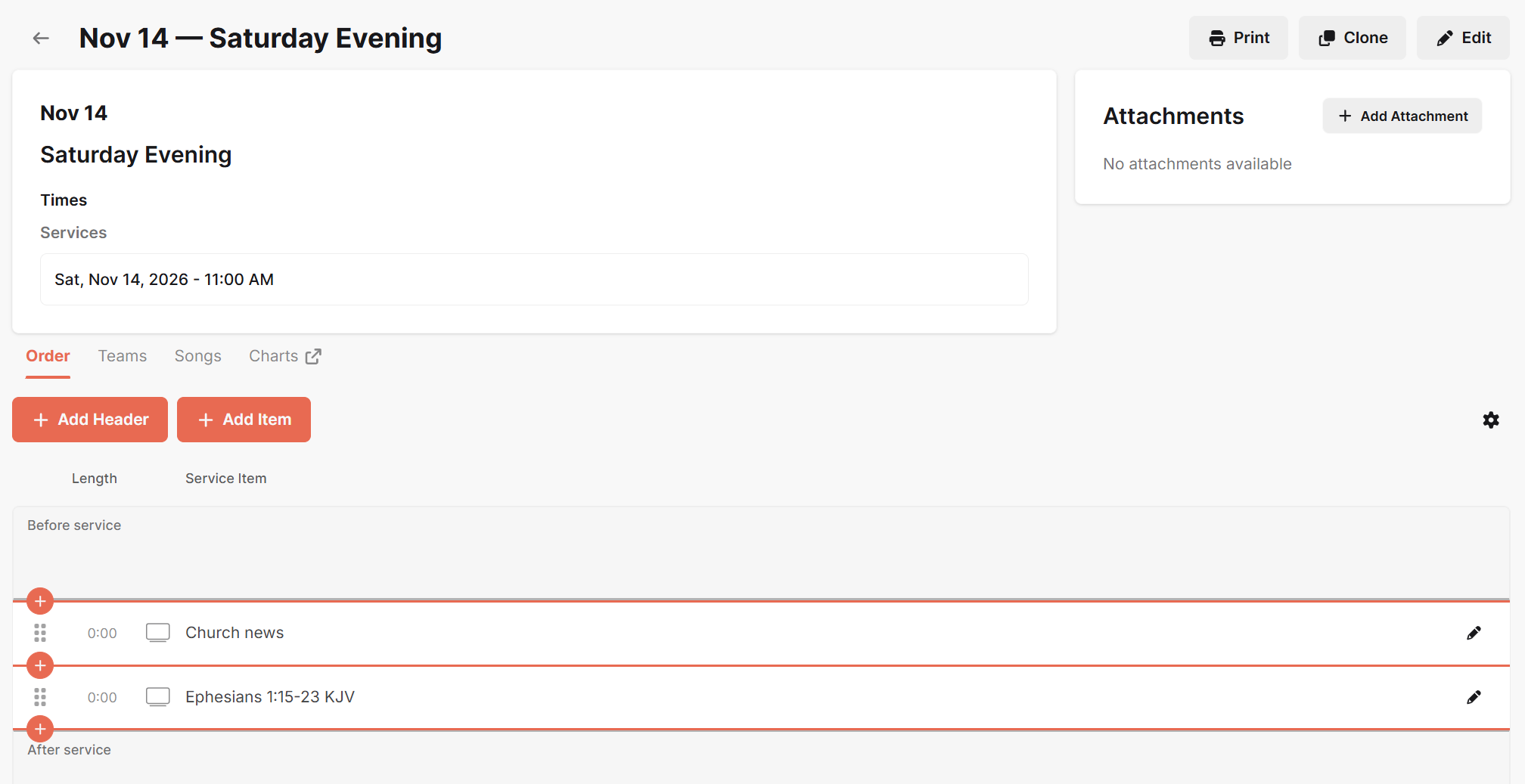
When you open your service, you'll find all the service details on the left side and an area for service attachments on the right. Below the service details, there are four tabs: Order, Teams, Songs, and Charts. You can use these tabs to plan the service, schedule volunteers, and access song materials. Any changes made to the service will be automatically saved.
You can get to the Scheduling Matrix and your Service Types and Reminders from the main Services page.